 SiteDay
The daily site report, done in three minutes.
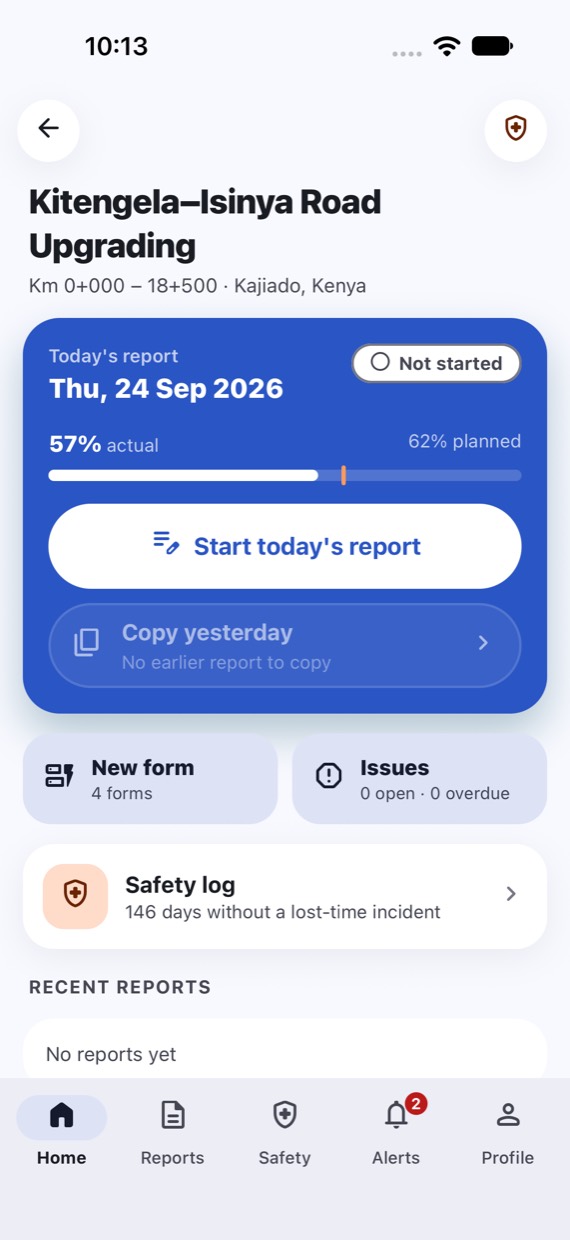
SiteDay lets site engineers file the daily report from their phone, even with no signal. Project managers approve it, clients follow along, and every day rolls up into branded daily and monthly FIDIC reports.
- Android and iOS
- Works offline
- English · Русский · O'zbekcha
The problem
Site diaries shouldn't live in chat threads and spreadsheets.
On most projects the day's record is a paper diary, a WhatsApp photo dump and an Excel sheet someone fills in at night. By month end, the progress report means days of chasing.
Reports come in late
Engineers are on site all day, often without signal. Writing it up later means numbers get guessed and days get skipped.
Evidence is scattered
Photos without dates or locations, labour counts in one place, quantities in another. Hard to trust, harder to find.
Monthly reports eat days
Compiling the FIDIC monthly progress report by hand means copying a month of diaries into Word, then checking it all again.
How it works
From the site to the client, in one flow.
Everyone works from the same record. Nothing is retyped.
-
1Site engineer
Files the day's report
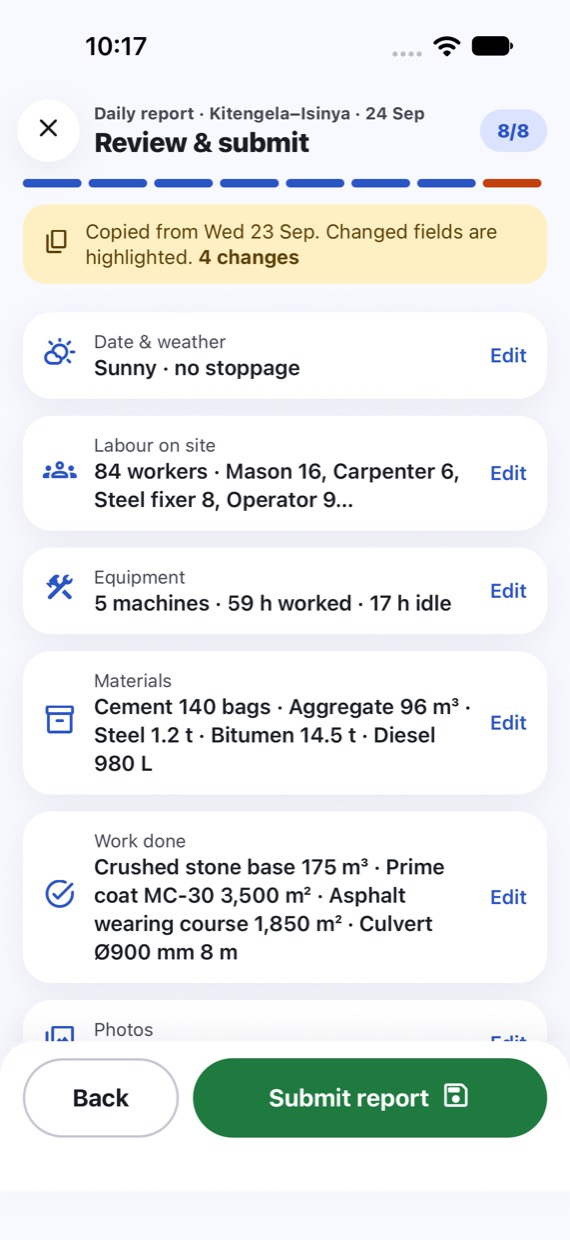
Weather, labour, equipment, materials, work done, photos and issues, in a few taps. Copy yesterday's and change only what moved.
-
2Project manager
Approves or sends back
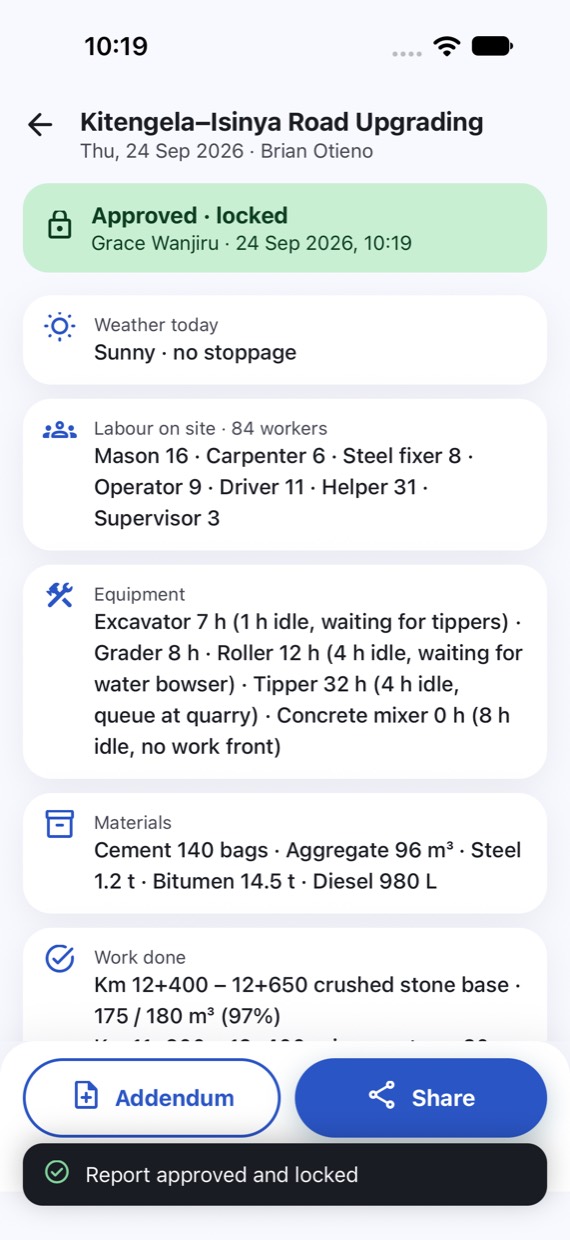
Review on phone or web, approve or send back with a comment. Approved reports lock; later changes become timestamped addenda.
-
3Client and consultant
Follow along, read-only
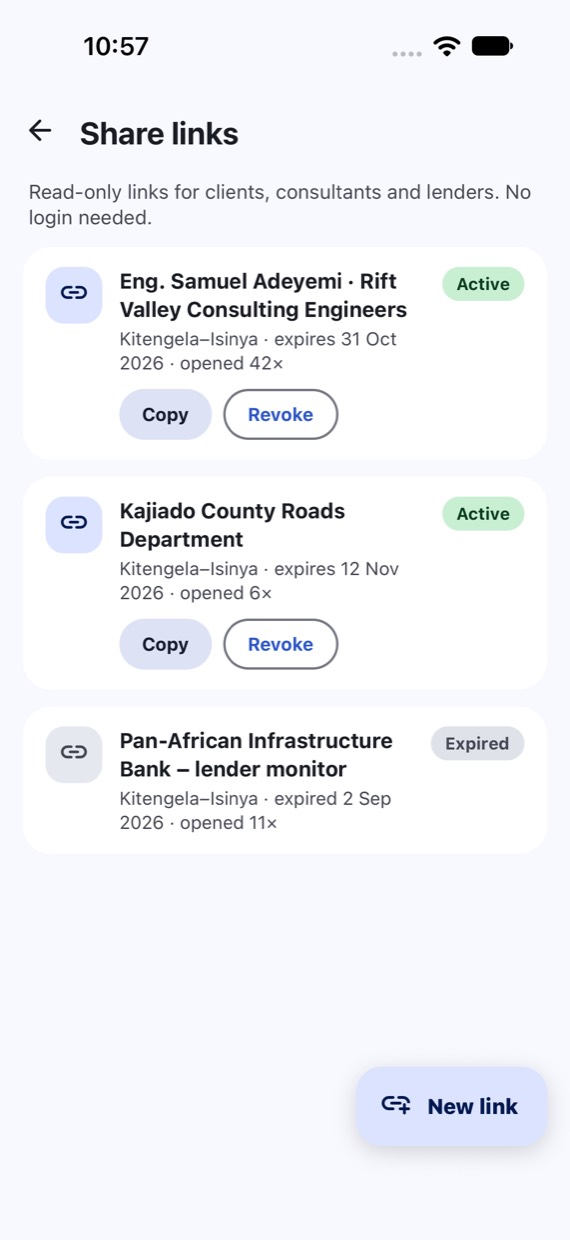
A dashboard or an expiring share link for the resident engineer, client or lender. No login needed, and they can acknowledge reports.
-
4Reports
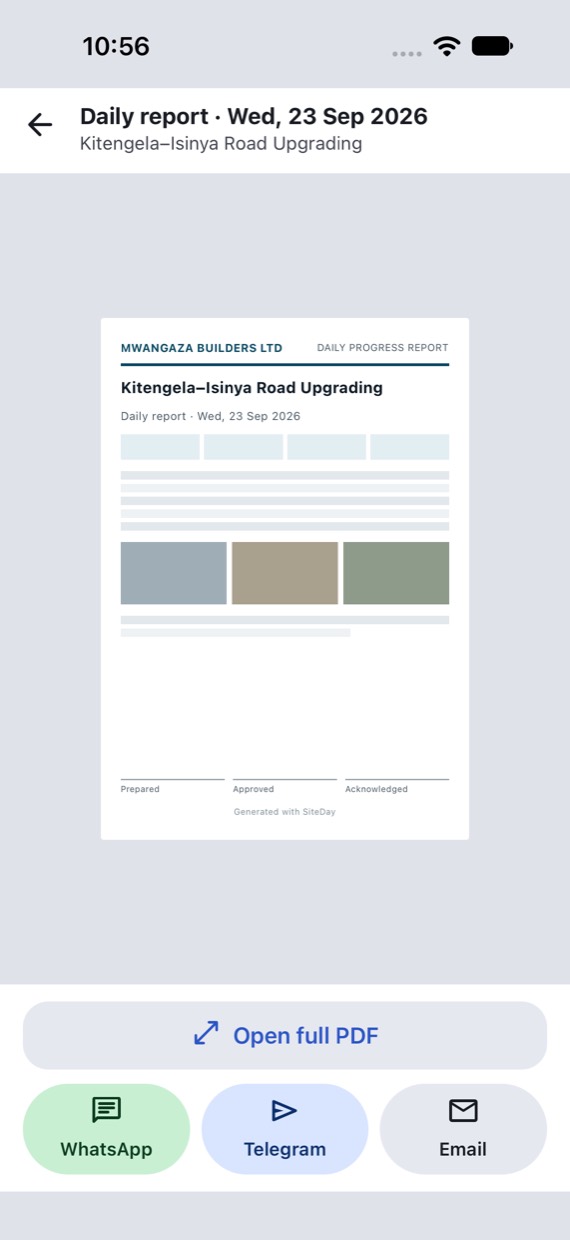
PDFs compile themselves
Branded daily reports and the monthly FIDIC progress report, ready to send by WhatsApp, Telegram or email.
Features
Everything the site record needs, nothing it doesn't.
Copy yesterday
Start from the last report. Changed fields are highlighted so the PM sees exactly what moved.
Photos with GPS and time
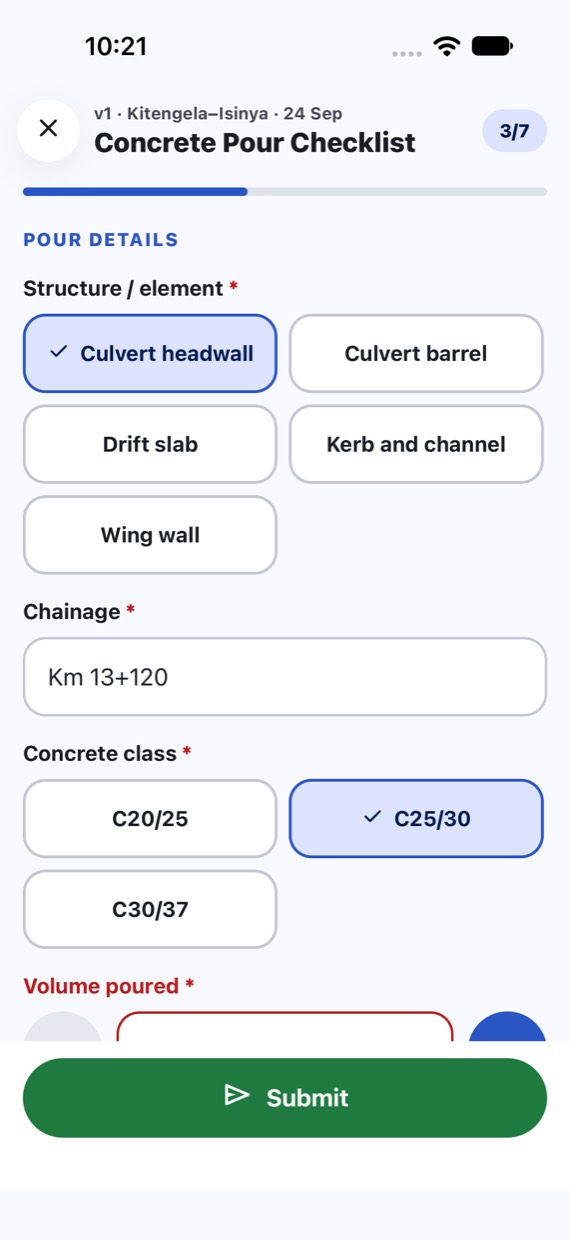
Camera-first capture, stamped with location and time, tagged to the activity and chainage.
Forms builder
Build your own checklists (concrete pours, inspections, snags) with photos, signatures and GPS. Publish to projects and roles; they work offline.
Issue board
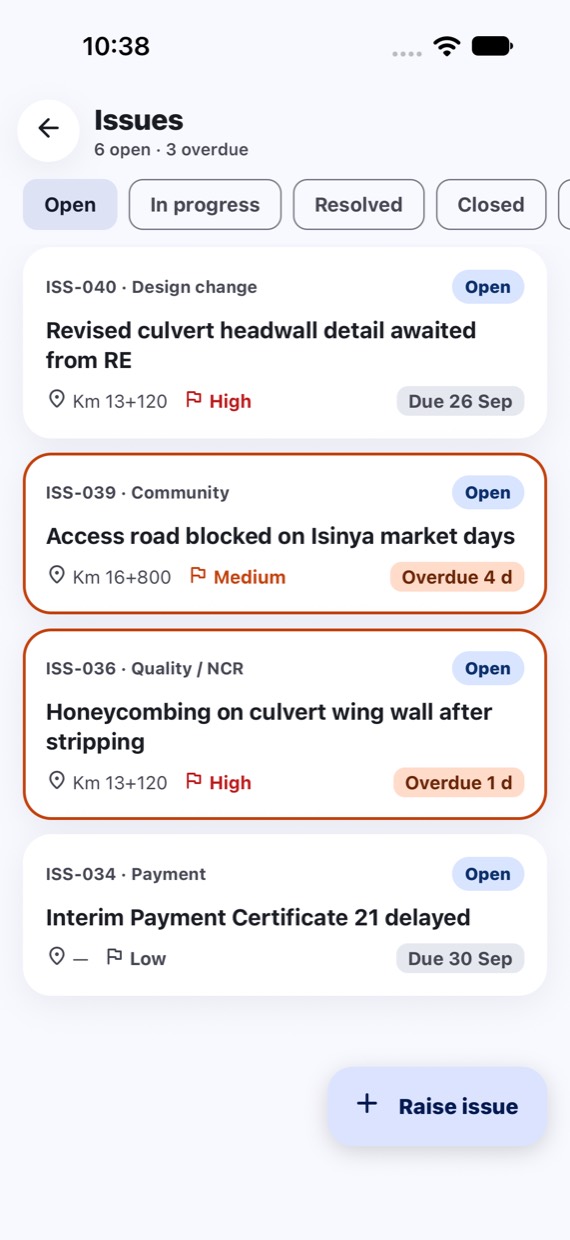
Raise issues and NCRs with priority, owner and due date. Track them from open to closed with before and after photos.
Dashboards
Planned against actual progress, labour and equipment trends, delays, and an automatic dashboard for every form, with Excel export.
Locations and chainage
Blocks and floors, zones, or road and pipeline sections with chainage like Km 12+400. Fits buildings and linear projects alike.
Safety log
Incidents, near misses and toolbox talks. An incident alerts the PM and client straight away.
A record you can trust
Approved reports can't be edited. Every change is an addendum with a timestamp, and every form entry keeps its version.
Sign in with your phone
Phone number and a one-time code. No passwords to forget, and teams are invited by phone number.
Built for the field
Made for the site, not the office.
Designed for low-end phones, patchy networks, bright sunlight and gloved thumbs: big buttons, primary actions at the bottom, minimal typing.
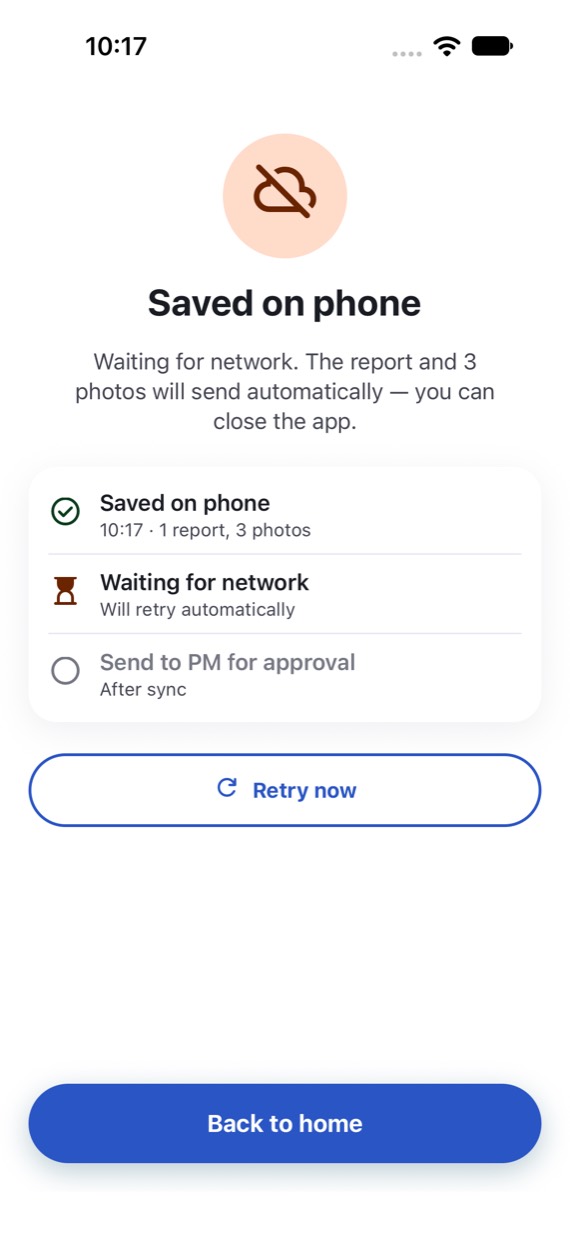
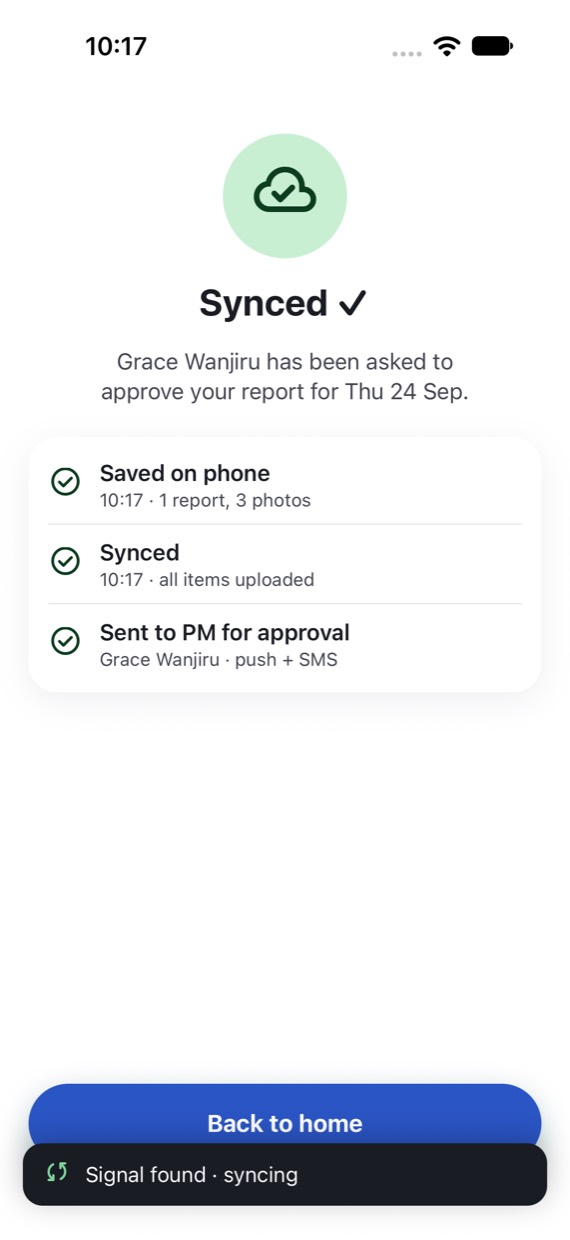
Offline first. Really.
No signal at the quarry? Submit anyway. The report and photos are saved on the phone and send themselves when the network comes back.
- Reports, photos and forms stored on the phone
- Clear status: saved on phone, waiting for network, synced
- New forms download on the next sync and work offline
- Apps for Android and iOS
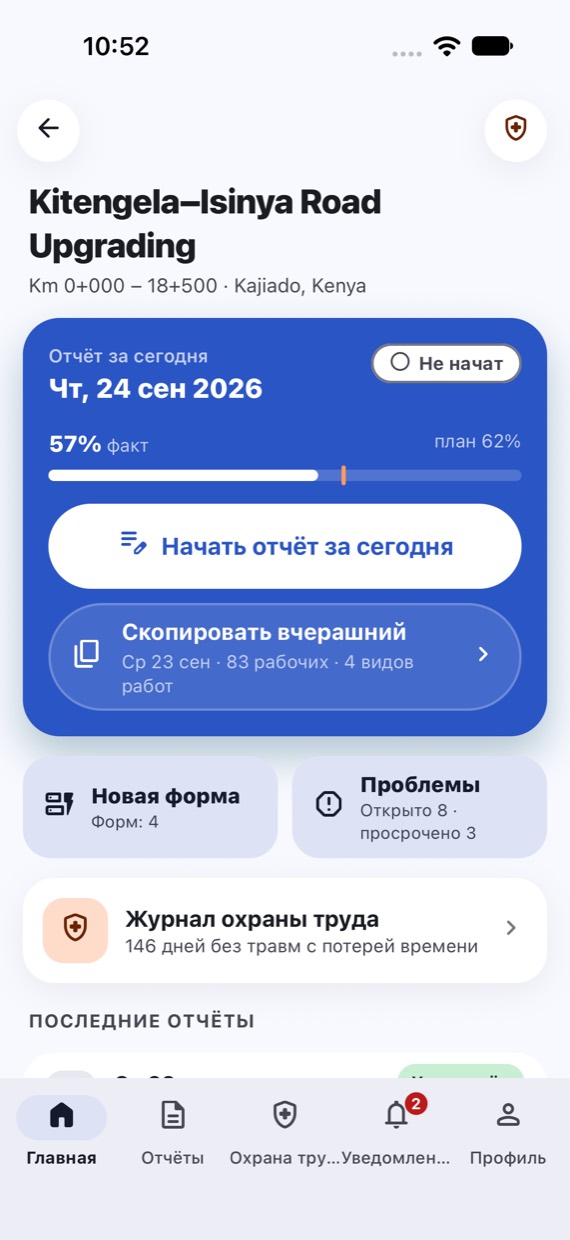
In the language of the site
Each person picks their own language. Custom forms carry their labels in all three, and the monthly report can be produced in Russian.
- Phone codes for Kenya, Nigeria and Uzbekistan built in
- Four colour themes and dark mode
Monthly FIDIC reports, compiled
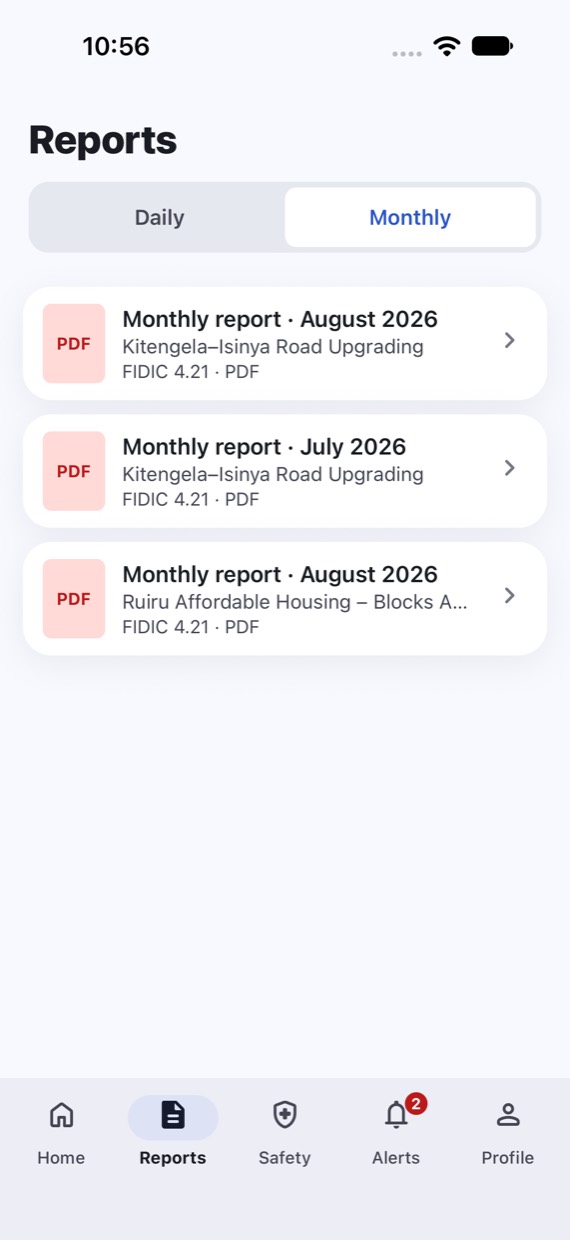
The month's approved diaries, form entries, issues and photos assemble into a progress report structured for FIDIC Sub-Clause 4.21, with your company's branding.
Who it's for
For everyone who needs to know what happened on site today.
Contractors
Site engineers report in minutes, PMs approve on the go, and the company owns a clean record of every project.
- Site engineers
- Project managers
- Company admins
Supervision consultants
Resident engineers see daily progress, photos and issues as they happen, and acknowledge reports instead of chasing them.
- Resident engineers
- Consultant teams
Clients and lenders
A read-only view through a share link that expires when you choose. No account, no training.
- Project owners
- Road agencies and counties
- Lender monitors

SiteDay is coming soon.
We're opening early access to a small number of contractors and consultants. Tell us about your projects and we'll show you SiteDay on them.
Or write to hello@suhi.app